
Getting Clicks for Links per ID
Gets link clicks for link ids
The instruction below shows how to get the number of clicks for links.
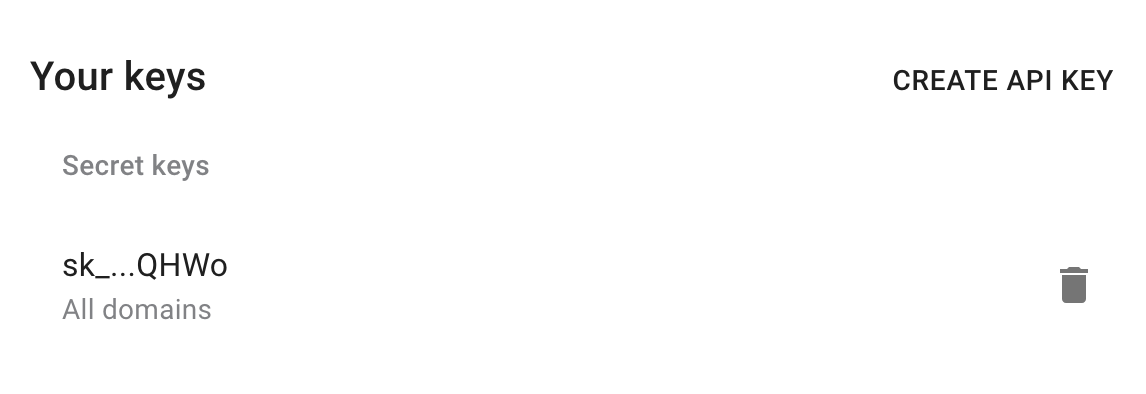
1) Get your API key here: https://app.short.io/settings/integrations/api-key
- Click "Create API key".
- Add a Secret key.
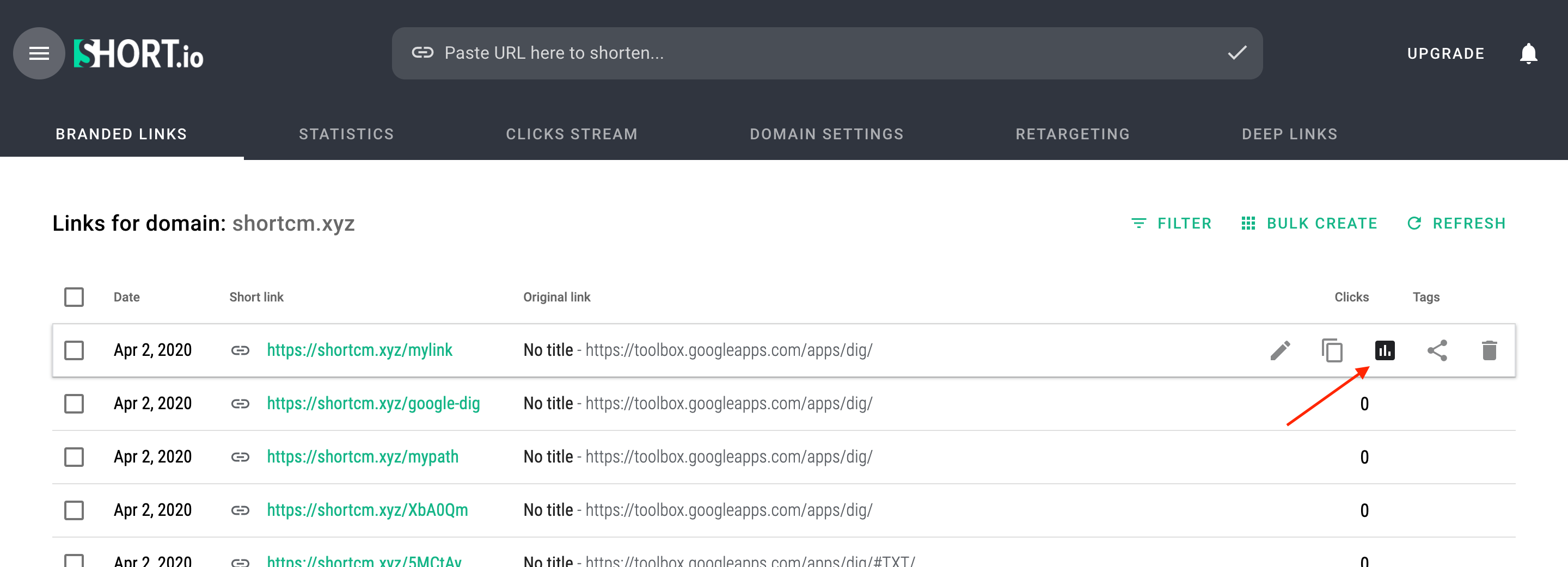
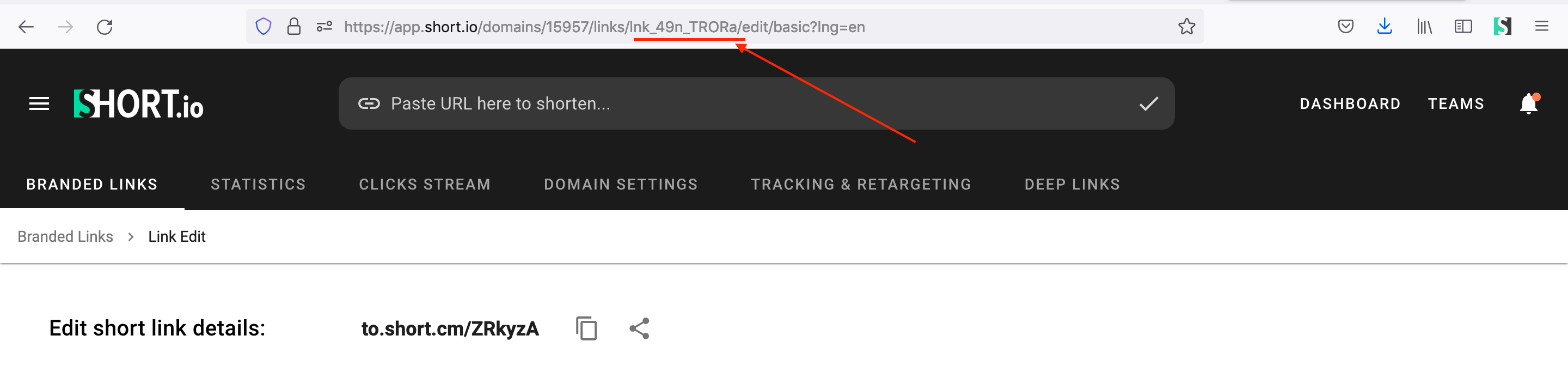
2) Copy an ID of a short link you want to get detailed statistics.
- Open the statistics of the short link.
- Copy the link ID.
3) Install prerequisites for requests.
pip install requestsnpm install --save axiosNow everything is ready to run the following snippet. It will send the number of clicks for short URLs.
4) Create a file: filename.py/ .js/ .rb. Use the code snippet below.
Please, replace DOMAIN_ID and IDS with appropriate values.
import requests

url = "https://api-v2.short.io/statistics/domain/domainID/link_clicks"

querystring = {"ids":"293627801, 292673342"}

headers = {
    'accept': "*/*",
    'authorization': "APIKEY"
    }

response = requests.request("GET", url, headers=headers, params=querystring)

print(response.text)
const axios = require('axios');
axios.get('https://api-v2.short.io/statistics/domain/domainID/link_clicks', {
params: {
ids: '293627801, 292673342'
},
headers: {
accept:'*/*',
authorization: 'APIKEY'
}
})
.then(function (response) {
console.log(response.data);
})
.catch(function (response) {
console.log(response);
});require 'uri'
require 'net/http'
require 'openssl'
url = URI("https://api-v2.short.io/statistics/domain/domainID/link_clicks?ids=293627801%2C%20292673342")
http = Net::HTTP.new(url.host, url.port)
http.use_ssl = true
http.verify_mode = OpenSSL::SSL::VERIFY_NONE
request = Net::HTTP::Get.new(url)
request["accept"] = '*/*'
request["authorization"] = 'APIKEY'
response = http.request(request)
puts response.read_body5) Launch the file.
python filename.pynode filename.jsruby filename.rb6) JSON Response.
Once you run the code, you will see the response.
{
  '292673342': 0, '293627801': 1
}
Updated 11 months ago